FAQ
How do I cancel a submitted borrowing request (ILL borrowing request)?
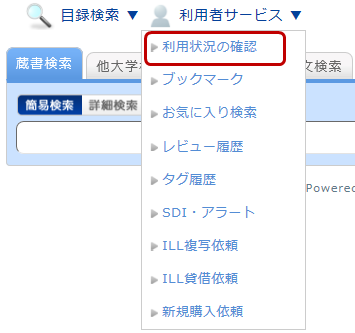
You can confirm your checked-out materials and various requested materials on the user inquiry screen.
Select "Go to ILL Request List" in the information relating to borrowing requests, among those requests.
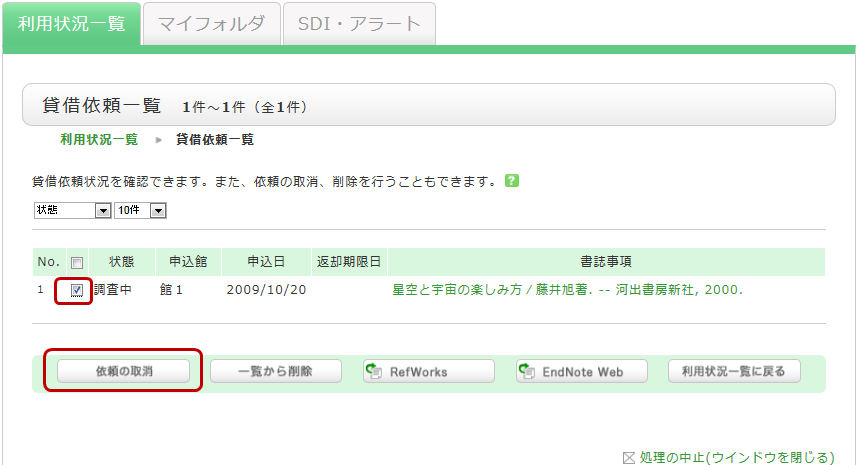
As a result, you can check a list of the borrowing requests that are current requests.
If you want cancel the request for a material in this list, place a check mark beside the material and click the [Cancel Request] button.