

FAQ
How do I register a review?
カテゴリ:
5.1. Personal Services
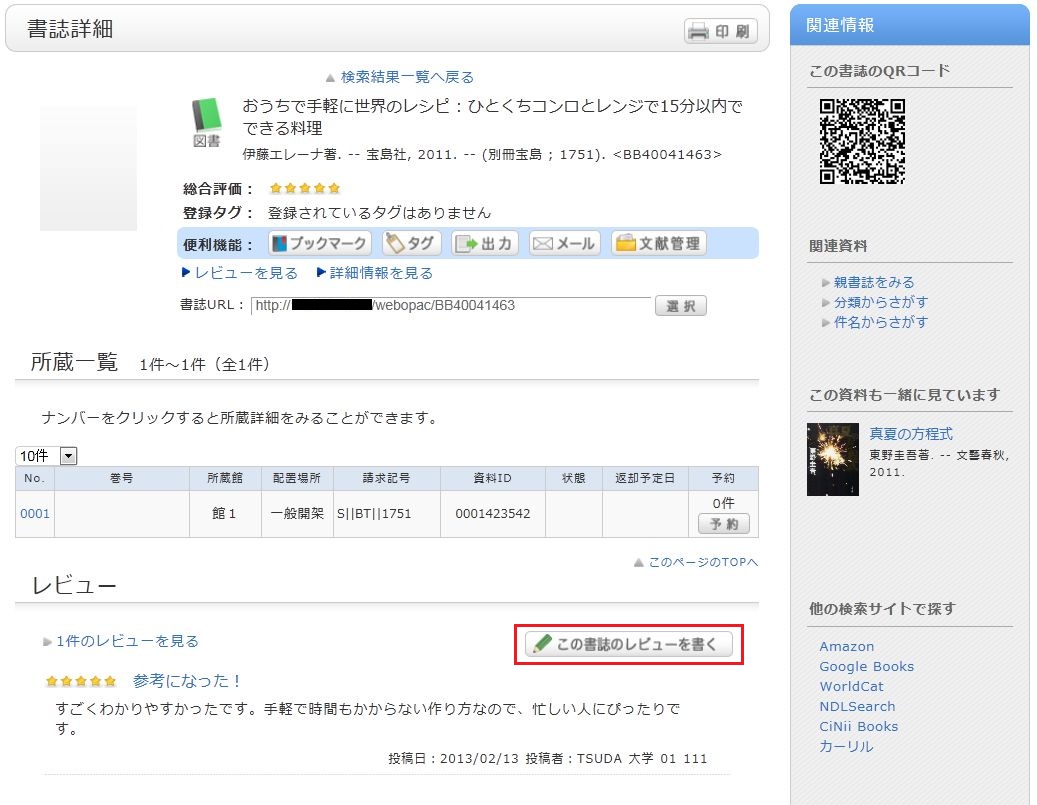
Review entry
- Confirm the bibliography of your written review, and decide the number of ★(1 to 5) for an evaluation. Then, enter the review title and text, and click [Post].
You cannot use HTML tags and machine-dependent characters. - Confirm what you are registering. When there is no problem, click the [Submit] button. To start over with the entry, click [Input Again].
- When your review is published, the contributor's nickname, date, section affiliation, library affiliation, and user type are posted in addition to the review title and text.
- If you want to set or change your nickname, select [OPAC] -> [Your Library Record] -> [Personal]. Confirm the name displayed in the "Handle" column.
To correct the name, click [Change Personal], and enter your new handle name.
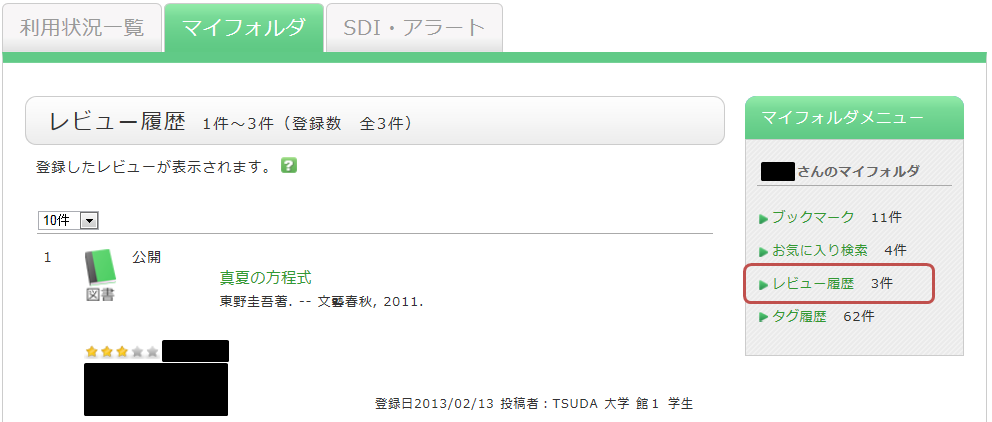
レビューの評価
レビューに対してコメントをしたり、参考票を投じたり、不適切なレビューとして通報することができます。
レビュー詳細画面から、それぞれ
- このレビューは参考になりましたか? ? はい ? いいえ
- 不適切なレビューとして報告する
- このレビューにコメントを書く
